Political File
PAID PLANPrepare, review, and track political advertising filings, with direct upload to the FCC's Online Public Inspection File system.
Required disclosure fields, already on file
Contact details, studio address, and each filer's disclosure information carry forward from a saved profile to every new order. Any notes you add to a filing are kept separate from the record's attribution line and appear ahead of it in exported files.
Required fields, set by your organization
Your organization decides which fields are mandatory: class of time, total order value, rate charged, disposition, and the channel that aired a spot. Rate charged applies only to candidate ads, never issue ads, consistent with how the two are billed and disclosed under FCC rules.
Approval before submission
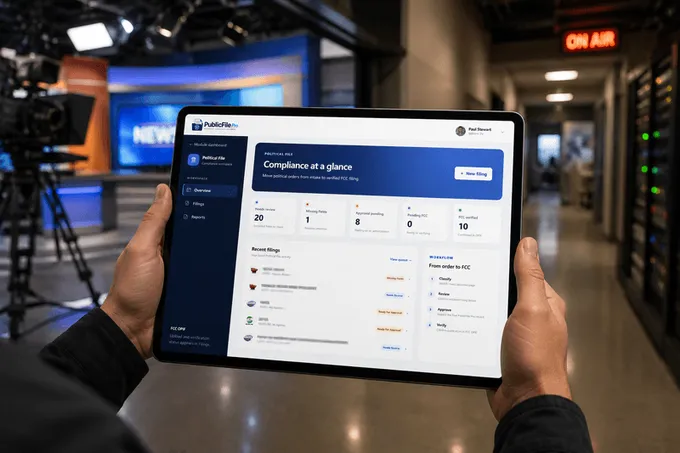
Organizations can require an administrator to review and approve each political filing before it is submitted. Any error surfaces while the filing is still internal and visible only to your team.
Straight to the FCC's public file
Once approved, a filing uploads directly to the FCC's Online Public Inspection File (OPIF) system in a single step. There is no separate export and nothing to re-upload.
Questions about Political File
Does Political File upload to the FCC for me?
Yes. Direct upload to the FCC's Online Public Inspection File (OPIF) system is built into the filing workflow.
Can someone review a filing before it goes to the FCC?
Yes. An organization can require administrator approval on every political filing, which means nothing goes to the FCC without a second look.